
Lifecycle Policies
Lifecycle policie let you automatically manage objects in a bucket over time — expiring old files, cleaning up incomplete uploads, or moving objects to a lower-cost storage class. Rules are evaluated daily and applied automatically.
Before you begin
- An active IBEE Cloud project with a bucket (Create a bucket)
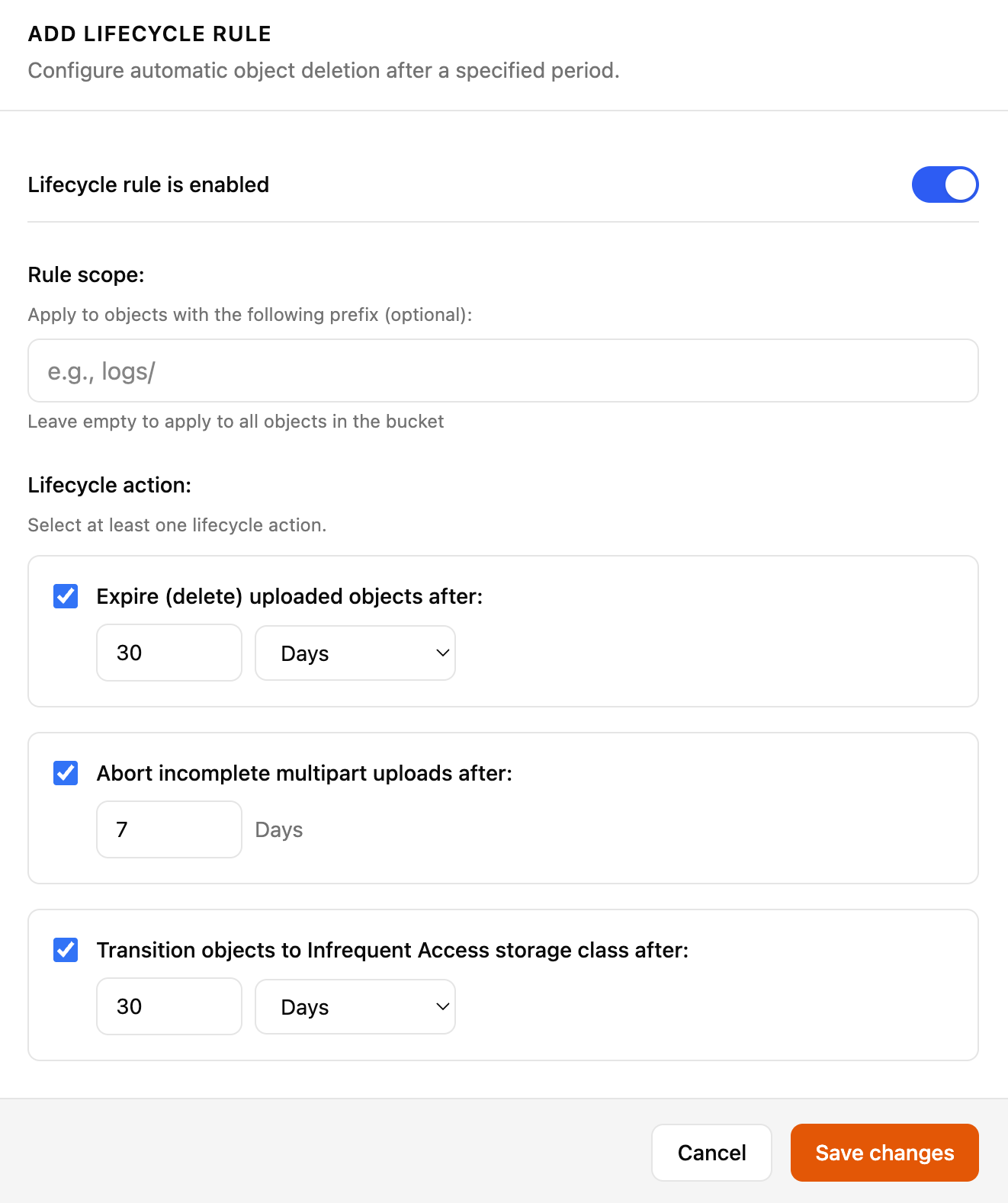
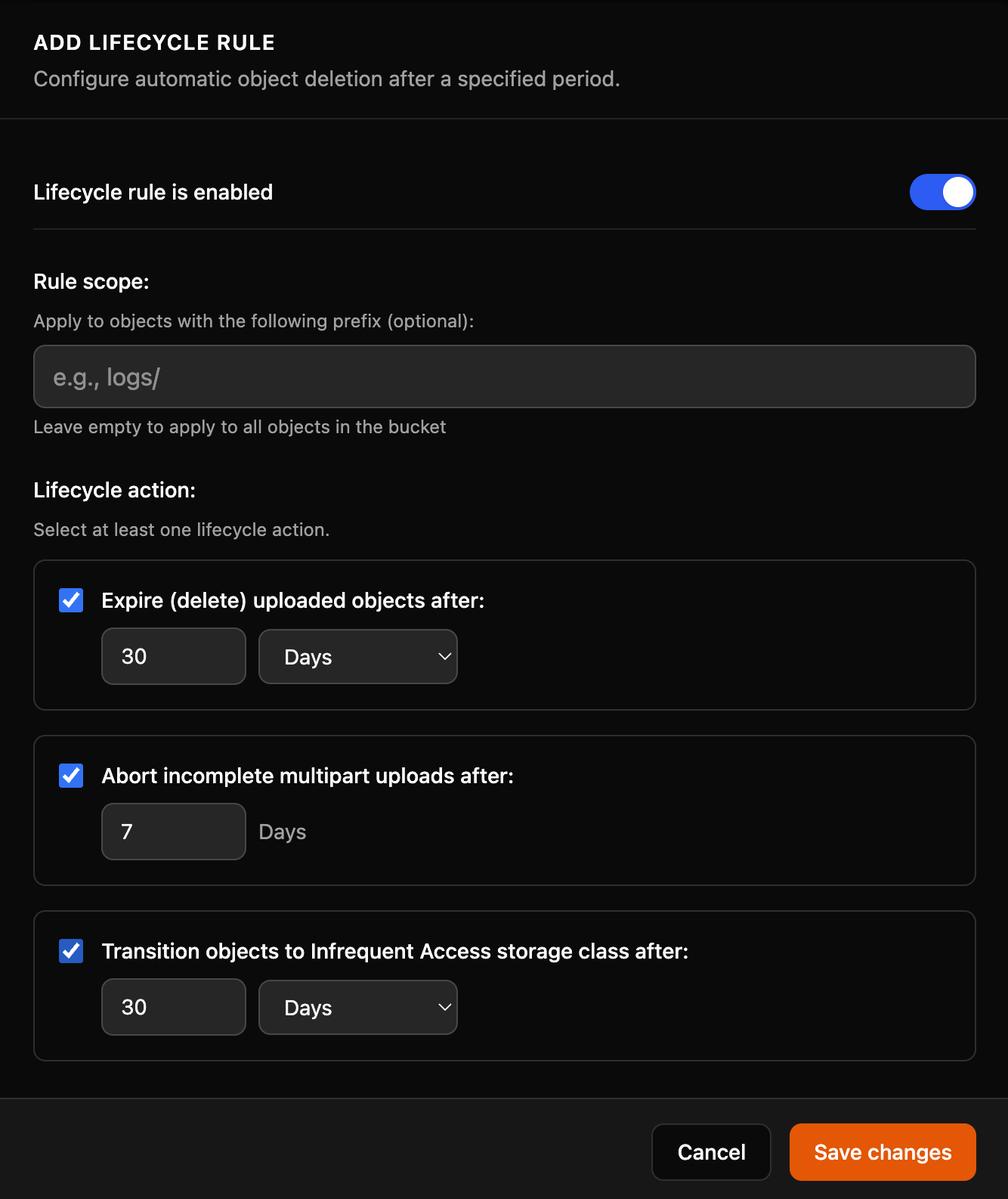
At least one lifecycle action must be selected when creating a rule.
How lifecycle rules work
- Rules are evaluated daily and applied automatically
- Use a prefix to target specific folders (e.g.
logs/ortemp/) - Disabled rules remain saved but are not executed
Lifecycle actions
Troubleshooting
Save changes is disabled At least one lifecycle action (Expire, Abort multipart, or Transition) must be checked before saving.
Rule is not executing Check that the Lifecycle rule is enabled toggle is on. Disabled rules are saved but not executed.
Rule applying to all objects unexpectedly If the Rule scope (prefix) field is empty, the rule applies to all objects in the bucket. Add a prefix to restrict scope.